Import your Markdown
Import one file, several, or an entire folder. StickUp adds one YAML property to your file, then removes it when you close the note.
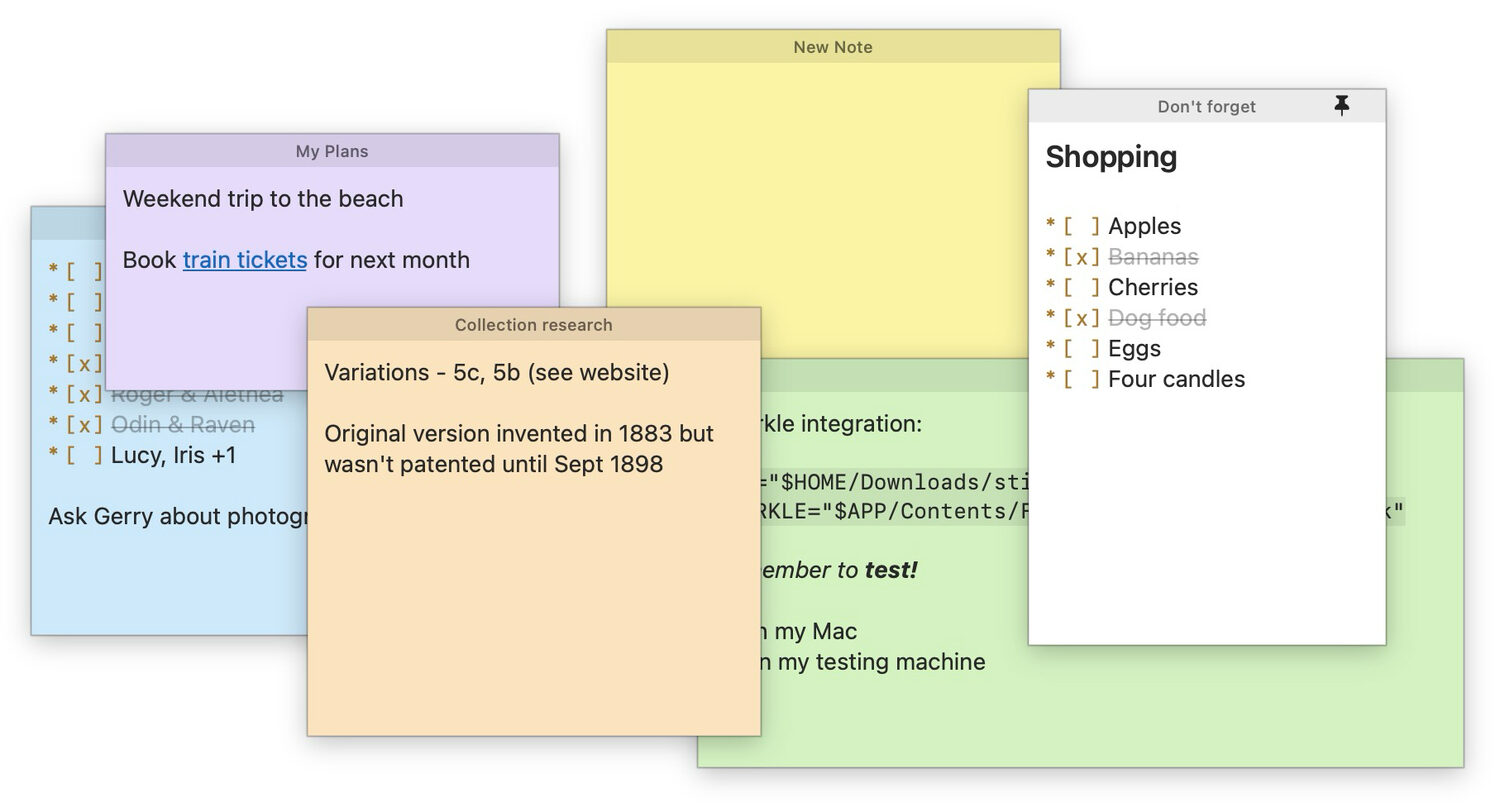
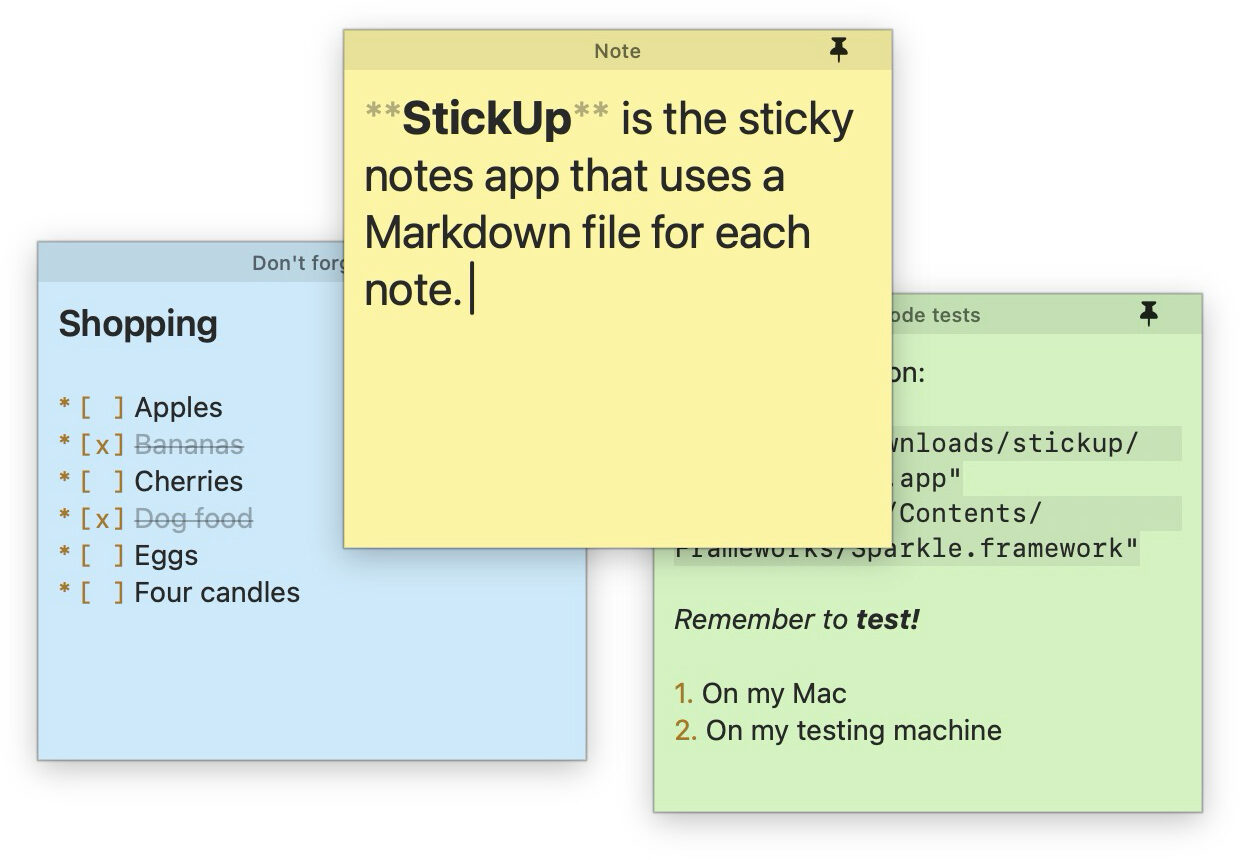
StickUp is a sticky notes app that uses text files for storage and Markdown for formatting. Format your notes and arrange them into workspaces - layouts of related notes, up to ten of them. Every note is a Markdown (.md) file, and every workspace is a folder. You pick which folders to use.
Markdown
Yep, just a plain ol' .md.
Use plain text, or add headings, checklists, bold, italic, links and code. Because each note is just a .md file, you can view and edit your notes in other apps, such as Obsidian, or run Claude Code against the whole workspace / folder.
Workspaces
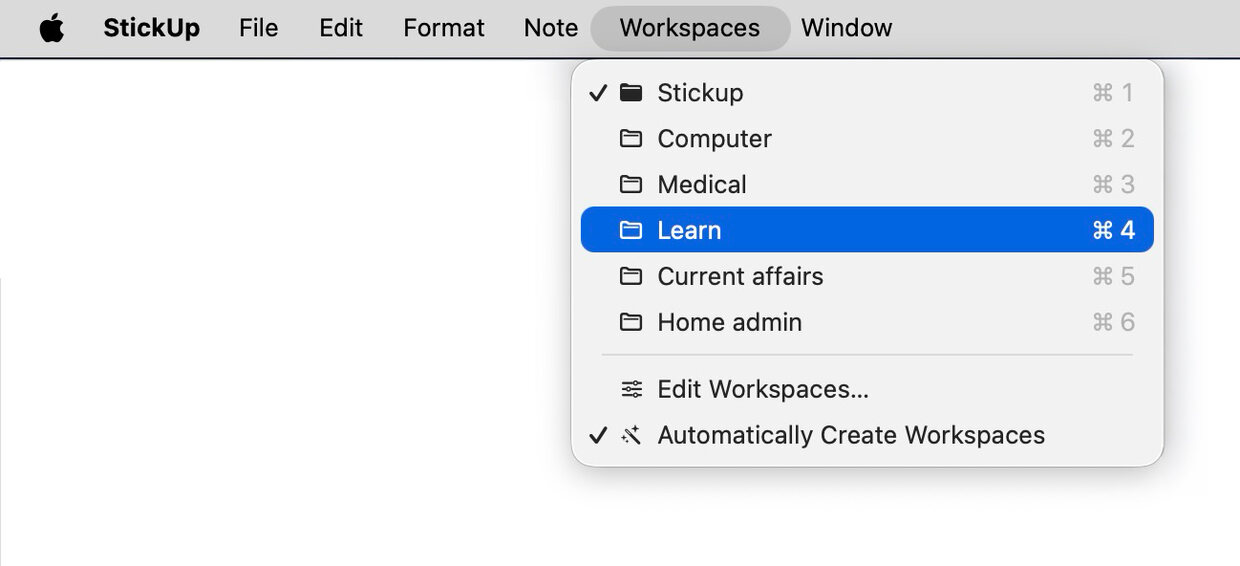
Switch between up to 10 workspaces.
Arrange related notes into workspaces. A workspace is simply a folder of Markdown files. Make separate workspaces for each project, work / hobbies, or whatever suits you. Each one's folder lives wherever you choose.
Search
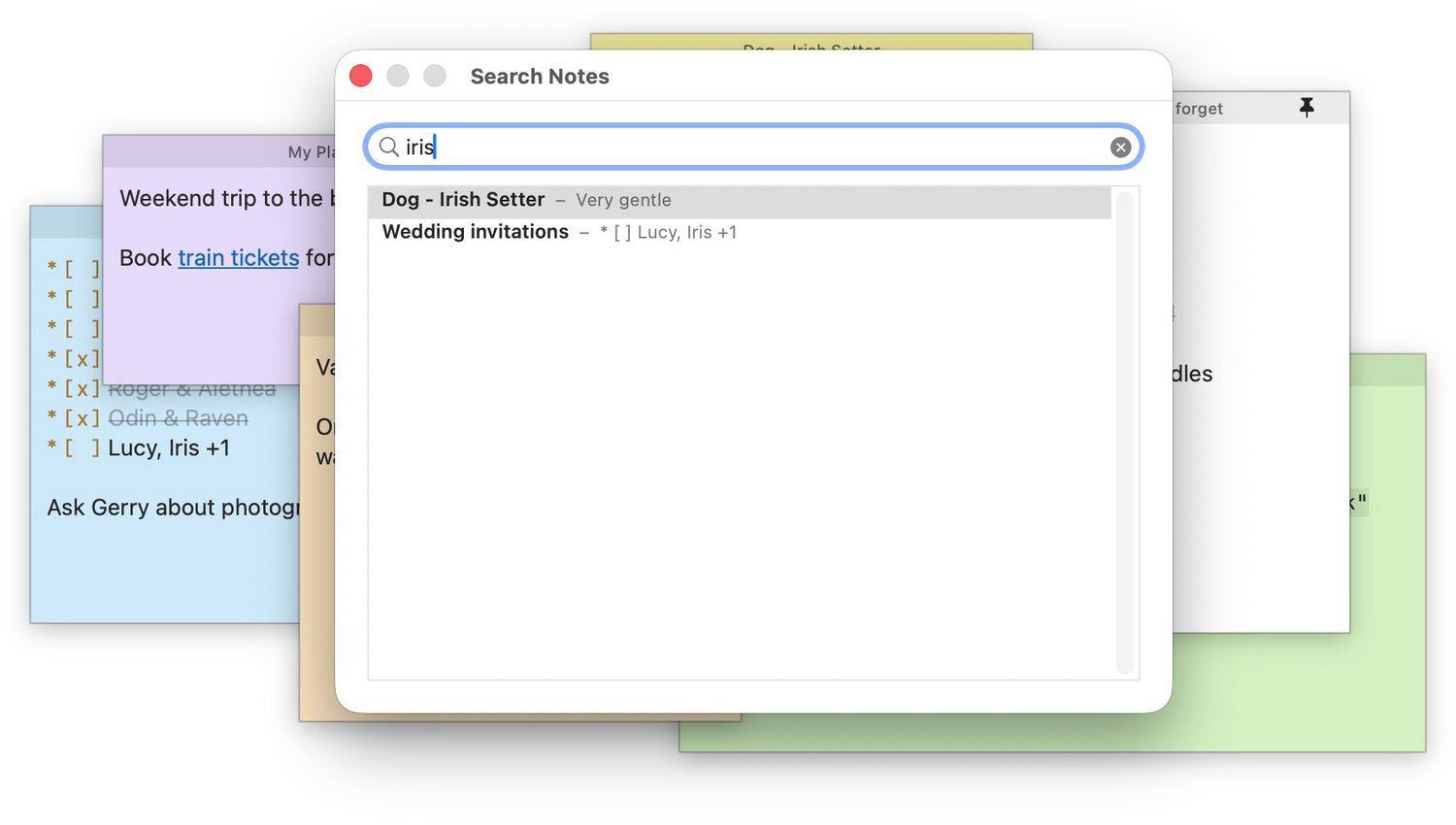
Search every note at once.
Global Find looks through your current workspace, searching through the words in every note, and their titles / filenames - taking you straight there.
Appearance
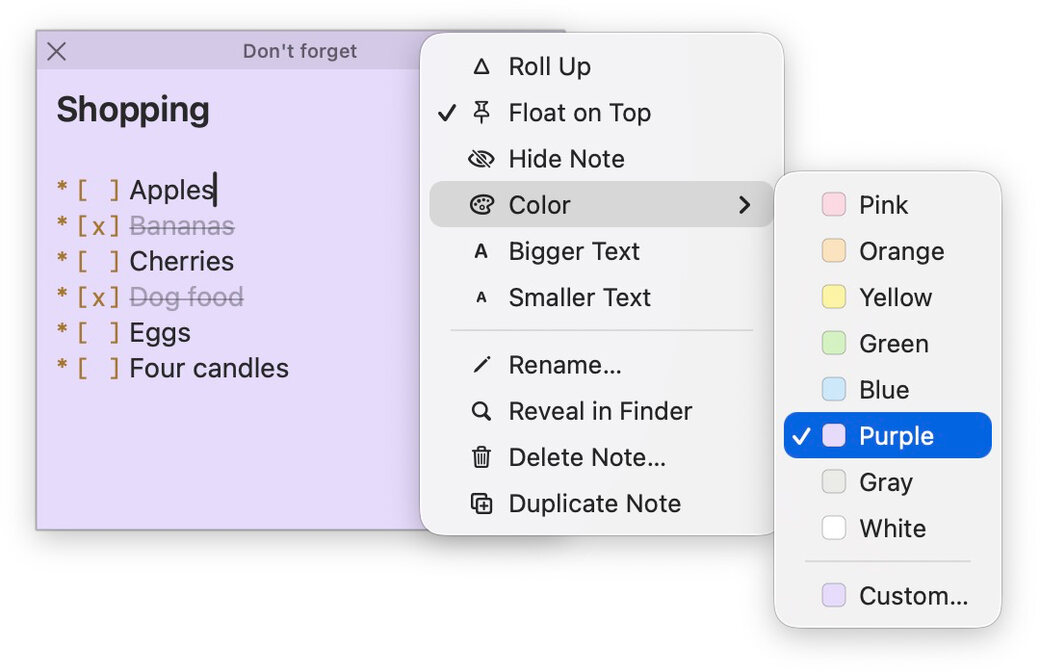
Eight hand-picked preset colors, or choose your own. Plus dark mode.
With a thoughtfully-designed interface, StickUp notes look good and feel intuitive to use, even if you don't care about Markdown.
On your desktop
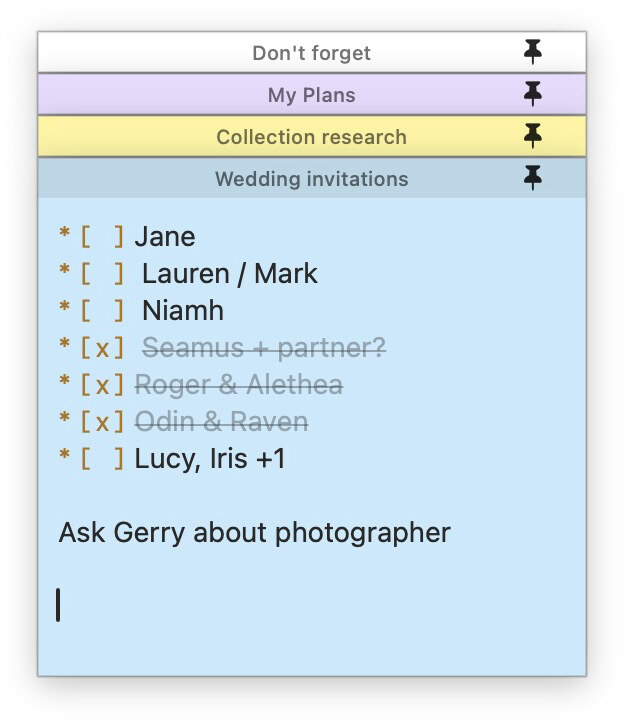
You decide what stays in view.
Roll a note up to its title bar to get it out of the way, or float it on top of your other windows so it's always visible.
Anthropic API Integration
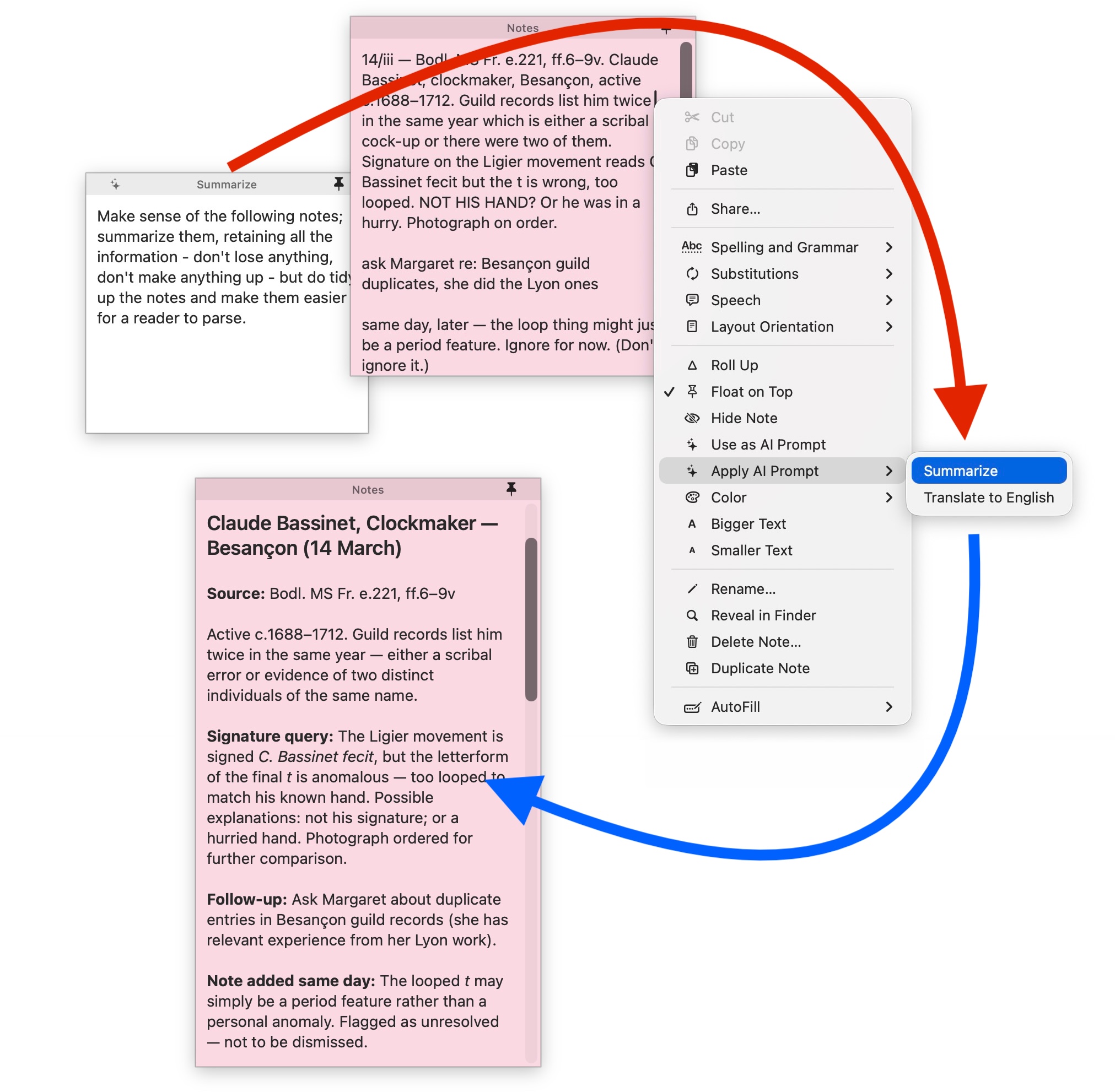
Add your own features with Claude.
Transform any note into a reusable AI prompt. It instantly gets added to every other note's context menu. Bring your own Anthropic API key.
A few more things StickUp does.
Import one file, several, or an entire folder. StickUp adds one YAML property to your file, then removes it when you close the note.
They're just ordinary .md files, so you can open the same notes in Obsidian or any other Markdown or text editor you like.
Did I mention they're .md files? Back up and sync your notes with any cloud provider, across as many devices as you like.
You can temporarily hide notes you're not using from being shown in Stickup's workspace, and bring them back with a couple of clicks.
Your data is of no interest to me. StickUp only goes online to check for updates and run the (optional) AI feature.
Delete a note and it goes to the Trash, not the void, so you can always get it back (until you empty the trash).
Make as many notes as you like – the only limit is your RAM. And possibly your screen dimensions.
StickUp is a personal project, and it's freeware. Grab it and use it as much as you like - no licensing, no subscription.
I built StickUp because as a user I wanted more power over how I create, manage and share my notes. I hope you find it a useful upgrade over your current sticky notes app.
-Taras 🙂